
How to Fix Kucing APK Not Working?
Kucing APK has a large pool of diverse ad-free anime content and movies from various genres. With premium-quality sound and high-resolution video, viewers can enjoy quality time without any ad interruptions. However, many users recently reported having problems while using the app, such as slow loading, error flashes during playback, and more. So, we created this guide to help users fix Kucing APK not working problem on their own.
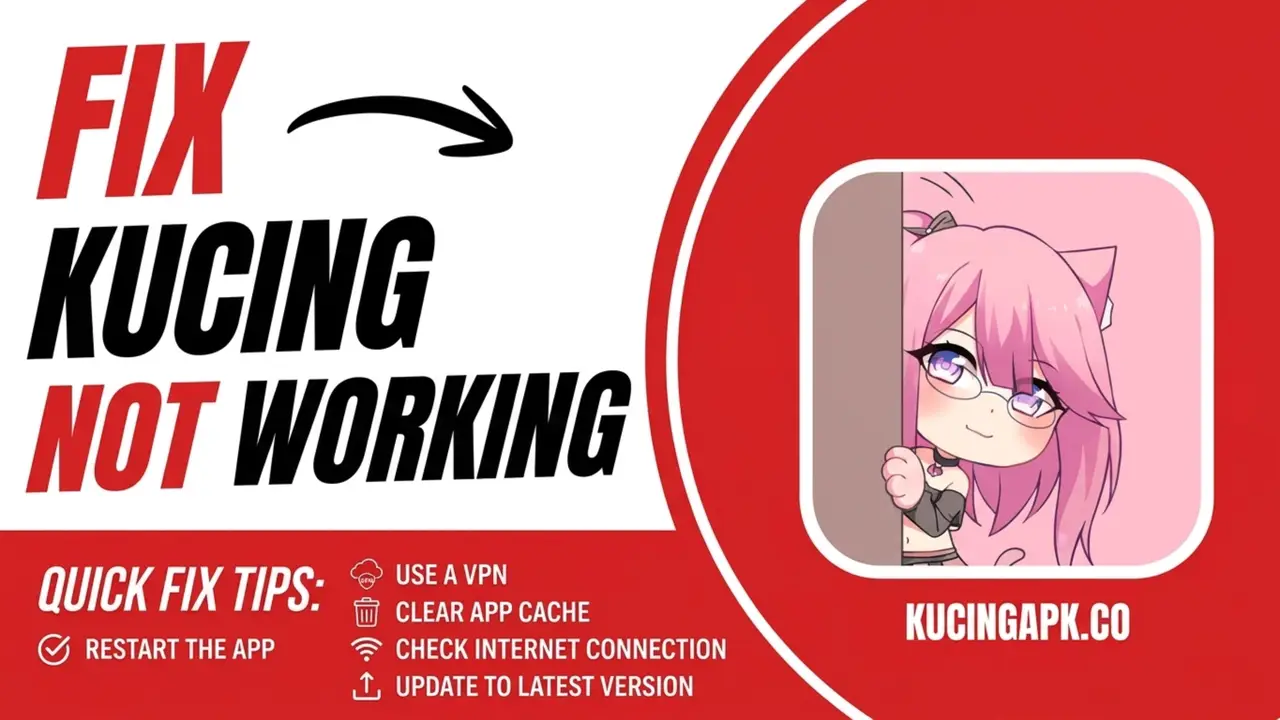
Effective Solutions to Fix Kucing APK Not Working or Not Responding?
Restart App/Device
Shut down or restart the device. After a fresh restart, the streaming links work better since the Kucing APK resets to its default state and functions smoothly. After restart, the app clears temporary system glitches and forces the app to refresh its connection; it also clears stuck web scrapers and renews internet and API connections. At times, when nothing works, Kucing APK servers might be down; it is a rare event but may happen. In this case, the user can wait for a few minutes to an hour and try again later.
Check Your Internet
Check the speed of the internet; also check its stability. An unstable internet connection may make Kucing APK non-cooperative; links may fail, and playback may stop. Stable internet connectivity ensures a continuous entertainment experience without any buffering. In case of unstable internet, the user can restart their router or even switch from Wi-Fi to mobile data. Peak hours attract a lot of traffic; this can trigger buffering and may annoy users. To avoid buffering, the user may use VPN to access their desired content anytime.
Clear the app cache
Ensure to clear the cache of the Kucing APK to clear useless temporary files that the app automatically generates. Corrupted caches can sometimes create buffering and loading errors as it become a hurdle preventing the app from functioning properly. To clear the cache files, tap or hold on the Kucing APK icon and go to the App Info page, then select the Storage & Cache section and tap on the “Clear Cache” and “Clear App Data” buttons to remove all the cache files.
Use Updated Kucing APK
Always keep in mind to install the updated version of Kucing APK from the official website (KucingAPK.co) to get the best experience. If the problems persist, users can uninstall the app fully, download a fresh Kucing APK from a reliable source, and initiate installation. This process fixes update bugs. The updated version improves API integrations, restore broken links; users are advised to regularly update the Kucing app for better performance, secure activity, and high-resolution content.
Disable Battery Saver
Battery Saver or Power Saver Mode on modern devices limits many operations to save battery drainage; therefore, always ensure you turn off battery optimization mode to give full freedom to Kucing APK to deliver optimal results. The battery saver feature forcibly slows down the device’s processing power and limits the app’s performance when it is streaming videos, causing the app to lag or load video slowly.
Use VPN
For a seamless experience, users are encouraged to use a secure VPN to bypass geographic restrictions. Some links may fail to load in certain regions, but a VPN provides access to diverse content anytime, anywhere. A reliable VPN encrypts your connection and bypasses ISP restrictions, helping the app fetch and populate multiple streaming links. It also unlocks geo-restricted links by allowing you to change your virtual location and access files hosted on region-locked servers.
Use Kucing APK on a compatible device
Ensure that Kucing APK runs on a compatible device to get the best experience. Kucing APK can only run on Android devices with a decent processor that allows the app to run seamlessly in real time. It can run on Android phones, Fire TV Stick, Google TV, iOS, PC, and Android TV boxes.
Final Verdict
Kucing APK is a popular app to entertain users with a big inventory of anime shows and movies. Users are advised to download the app from the official site (KucingAPK.co) to get the 100% safe and latest version of the app. By following the aforementioned steps, viewers can get access to countless content anytime. If the app freezes, users can restart the device. They should ensure internet connectivity and stability to facilitate playing video content. If you’re facing any sort of issue, follow the tips mentioned above to fix them right away and enjoy an uninterrupted viewing experience.